
Give each part of your work its own workspace.
A workspace holds the projects, tasks and people for one area of your work, such as the company, a client, a side venture or the family. You can own several and belong to others. All workspaces shows your whole week across every one of them.
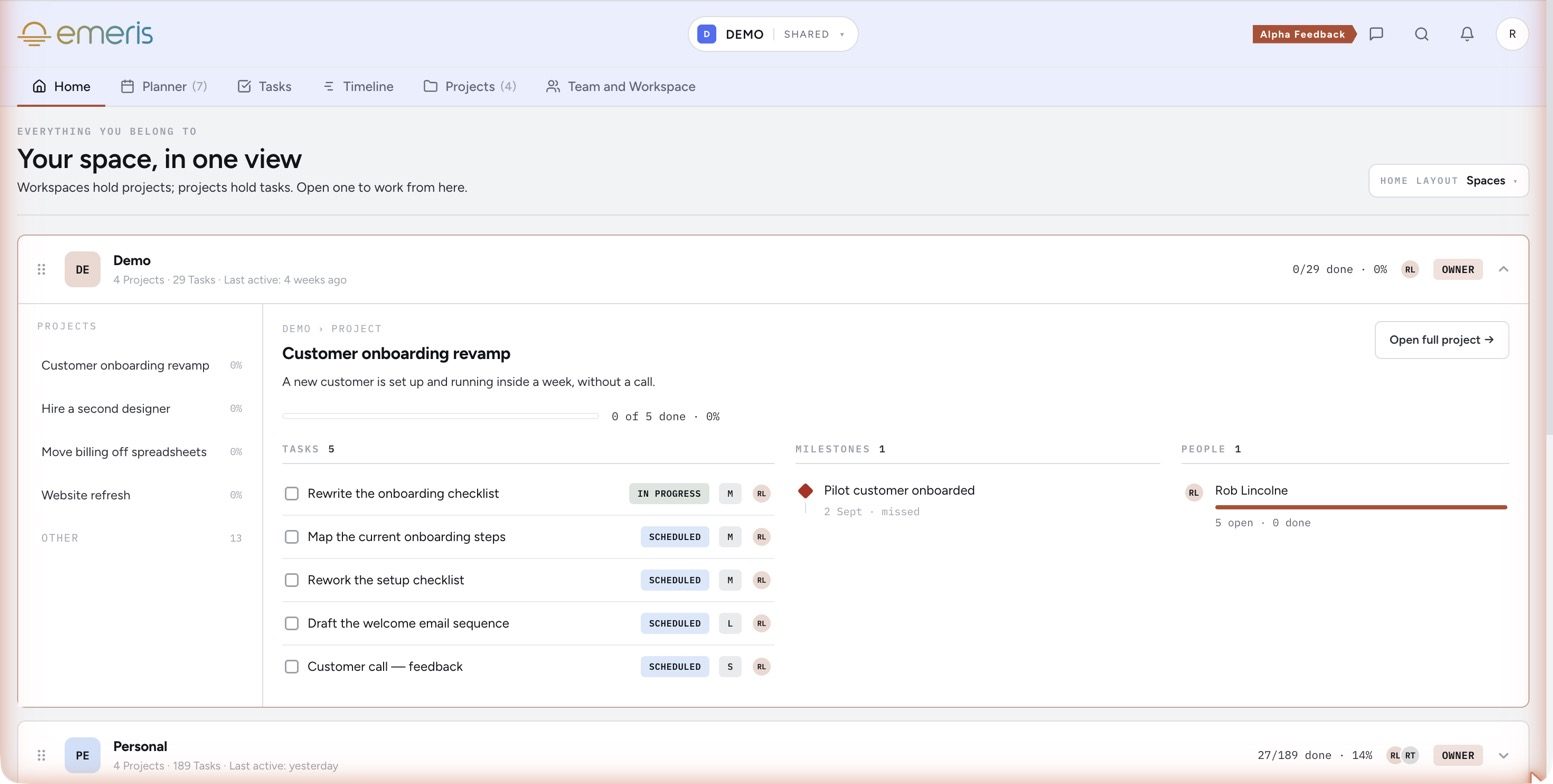
Each workspace keeps its own people and work.
Clear lines between work
Shared work lives in a team workspace, so nothing from your Personal workspace crosses over by accident.
A founder's whole week
Founders run more than one thing. All workspaces reads across every one, so your week adds up.
The right access for each person
Give each person the access they need, from a whole workspace down to a single project.
Work in one workspace or across all of them.
Every account starts with a Personal workspace.
It's yours and nobody sees inside it unless you invite a delegate. Create a team workspace for shared work and invite people from the People tab.
Narrow to one, or read across all.
Pick a workspace in the header and the board, Planner and Projects all narrow to it. The workspace is in the URL, so a link you send opens in the right place. Choose All workspaces for your whole week.
Invite, assign and promote.
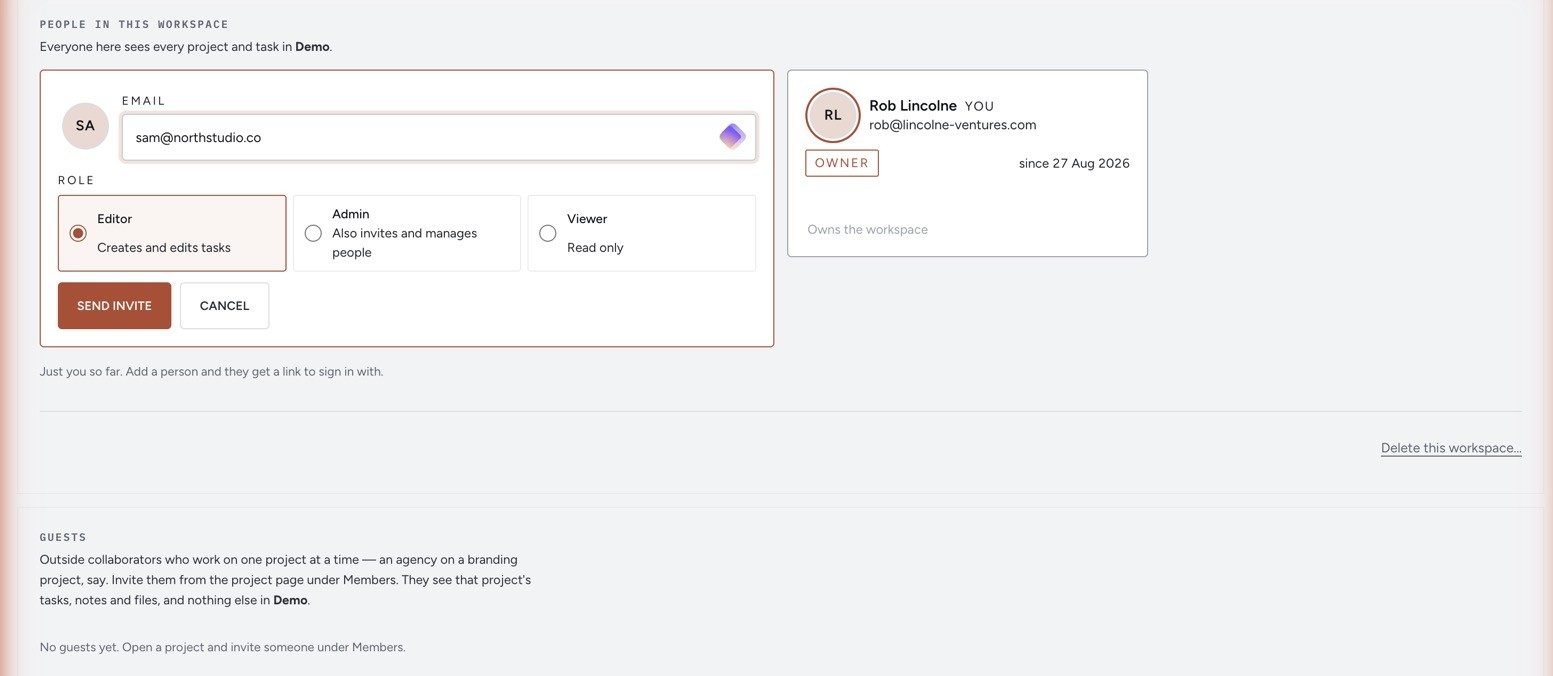
Invite people by email and pick a role. Assign tasks and the assignee gets an email. Promote a project guest to a member in one step, with no new link to accept.
Archive a workspace when the work is done.
Archiving closes a workspace to everyone and keeps every task, project and note exactly as it was. The owner can restore it later.
Who can do what.
| Role | Can |
|---|---|
| Owner | Control workspace settings and hand out any role. One per workspace. |
| Admin | Everything an editor can, plus invite, remove and change roles, and read the audit log. |
| Editor | Create and edit tasks across the workspace. |
| Viewer | Read everything and change nothing. |
| Project guest | See one project and nothing else. |
| Delegate | Work in your Personal workspace on your behalf. |
Questions founders ask
Does my calendar belong to a workspace?
No. Your calendar connection, working hours and schedule settings are yours and follow you into every workspace.
Where does a task go when I capture in All workspaces?
Into your Personal workspace. Switch into a team first if you want it there.
Can a guest see my other projects?
No. A guest sees the project they were invited to and nothing else.
Try emeris free for 30 days.
Every feature, for you and your team. No card to start.
Start free trial